ateru
Installation Guide
Currently, Xolo Pipeline officially supports Linux.
Prerequisites
- Python 3.11+
curl(for the automated installer)uv(will be installed automatically if using the installer)
Automated Installation (Recommended)
The repository includes an installer script that handles environment variables, uv installation, and CLI aliasing.
Linux:
git clone [https://github.com/ronnyascencio/ateru](https://github.com/ronnyascencio/ateru.git)
cd ateru
chmod +x scripts/set_up_unix.sh
./scripts/set_up_unix.sh
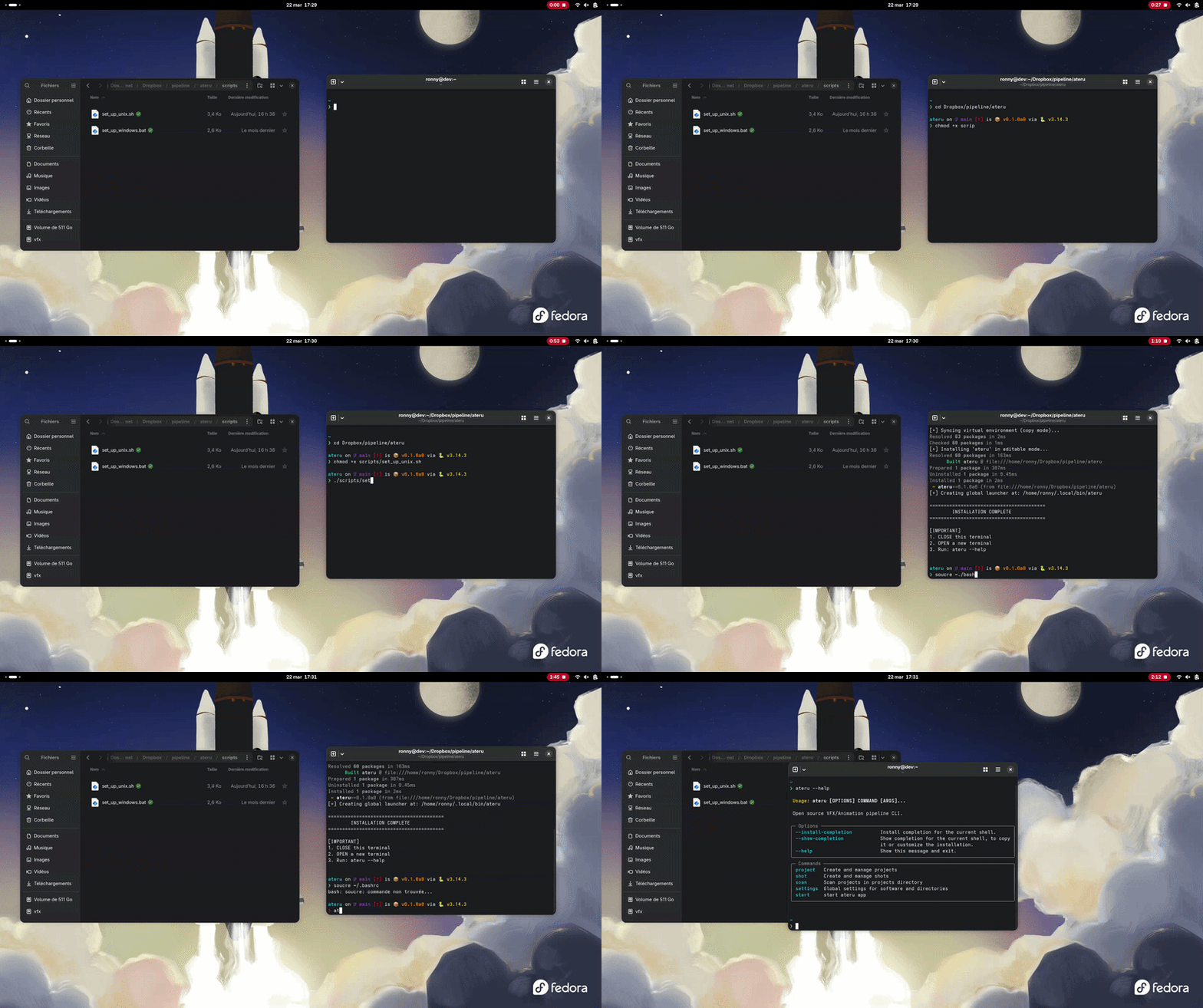
Windows:
git clone [https://github.com/ronnyascencio/ateru](https://github.com/ronnyascencio/ateru.git)
cd ateru
./scripts/set_up_windows.bat

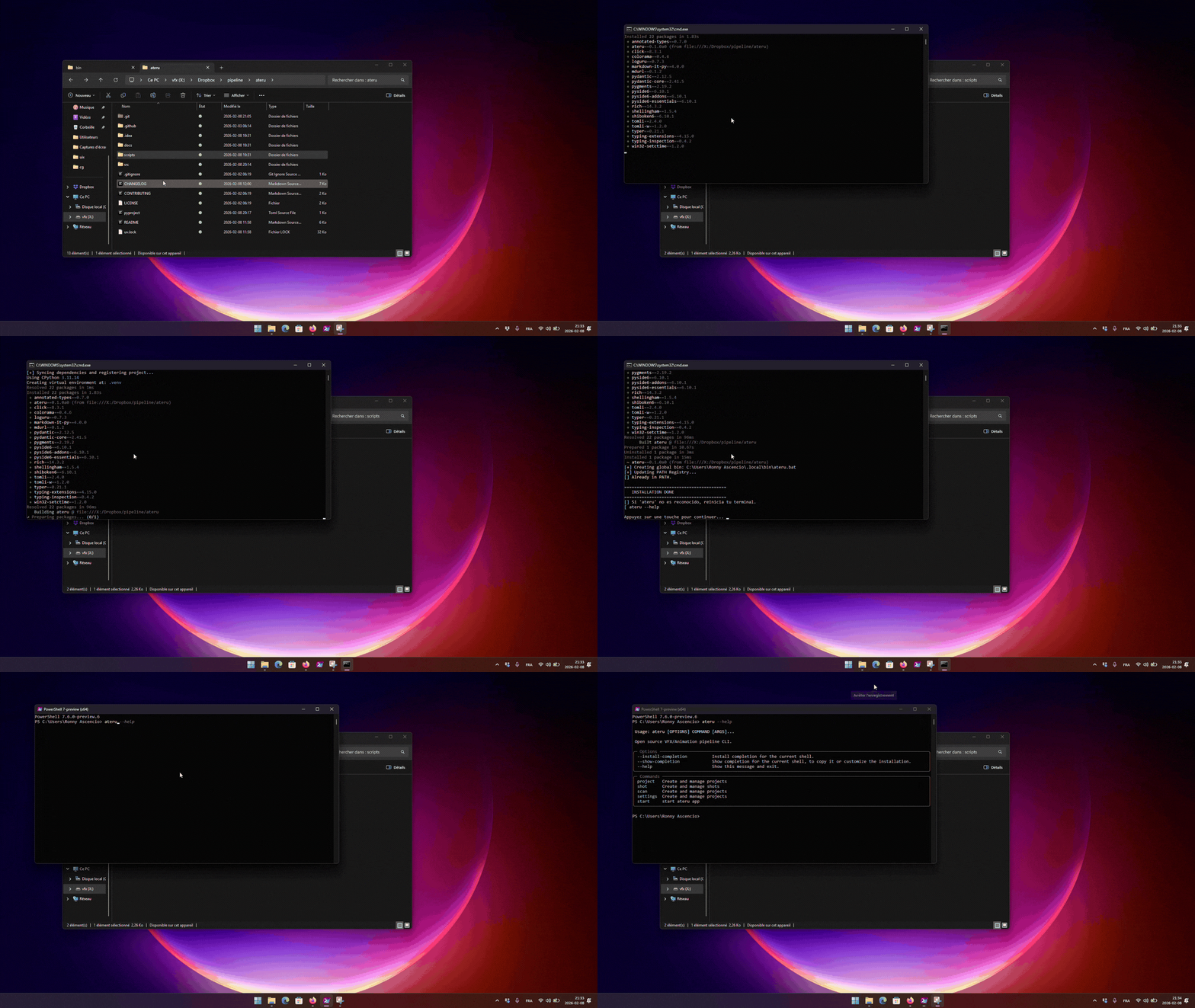
This sets
PIPELINE_ROOT,SYSTEM_ROOT, and modifies your shell rc so Xolo tools work as expected.
Restart your terminal so the new environment variables and PATH changes take effect.
- Verify the installation with:
ateru --help